Live orders
 AuraServeFounding Pilot
AI Restaurant OS
Stop missed KOTs, billing errors and stock leaks.
POS + KOT + QR orders + inventory + owner AI in one live system.
For cafesQSRsLoungesCloud kitchens
In kitchen
Pending
Low items
KOT Queue
Table 1202:15Rush
Table 0701:32Active
Table 0300:48Active
Table 2100:35Ready
Alerts
Table 12 pending2m ago
Basil low0.8 kg left
Bill readyTable 07
Sales overview
TodayTop items
- Veg Pizza 28
- Paneer Tikka 21
- Hakka Noodles 18
Stock at risk
Basil
Chicken
Mozzarella
Owner AI
3 moves readyPricing, combo, and stock actions from live signals.
Daily restaurant pressure
Every shift leaks somewhere.
Kitchen handoffs. Bill edits. Stock discipline. Owner visibility.
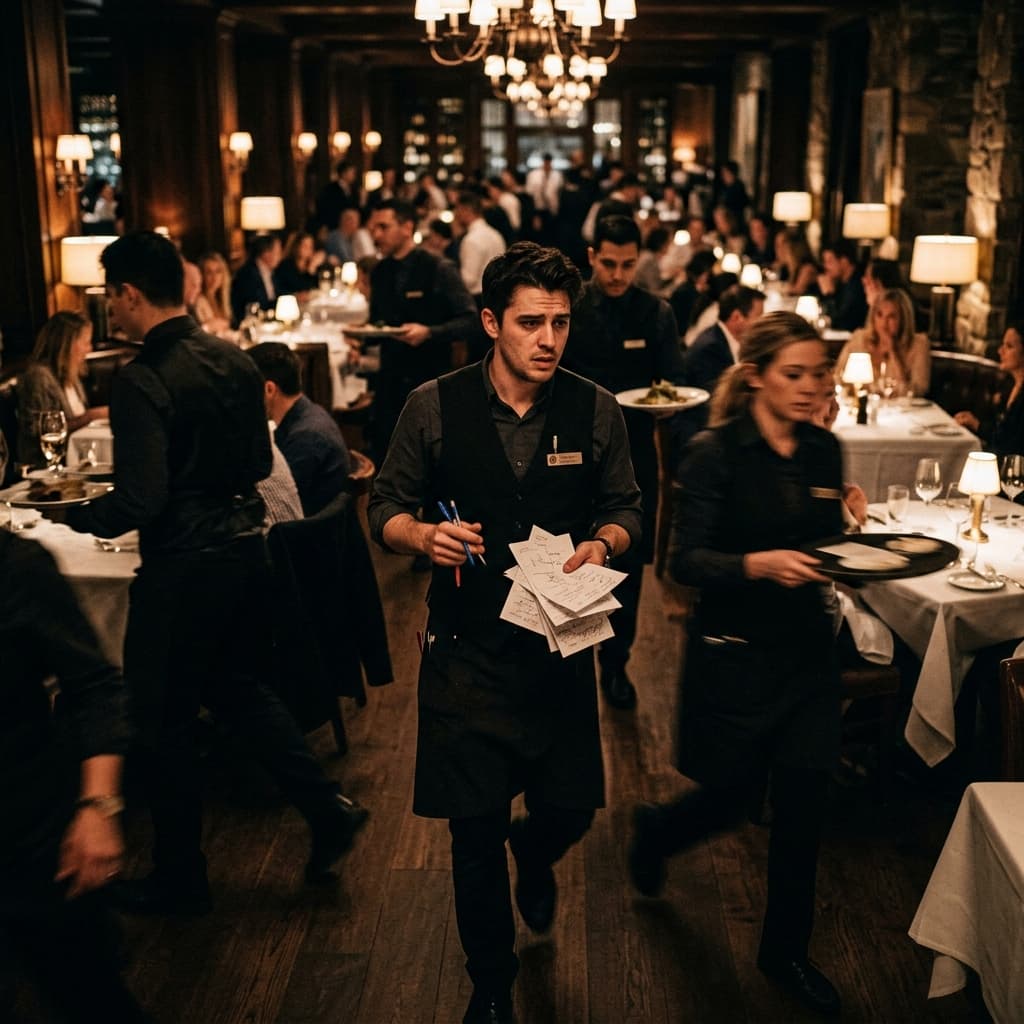
Kitchen
KOT slips
Tickets reach late or get lost during rush.

Billing
Bill edits
Voids, discounts, and changes need a clean trail.
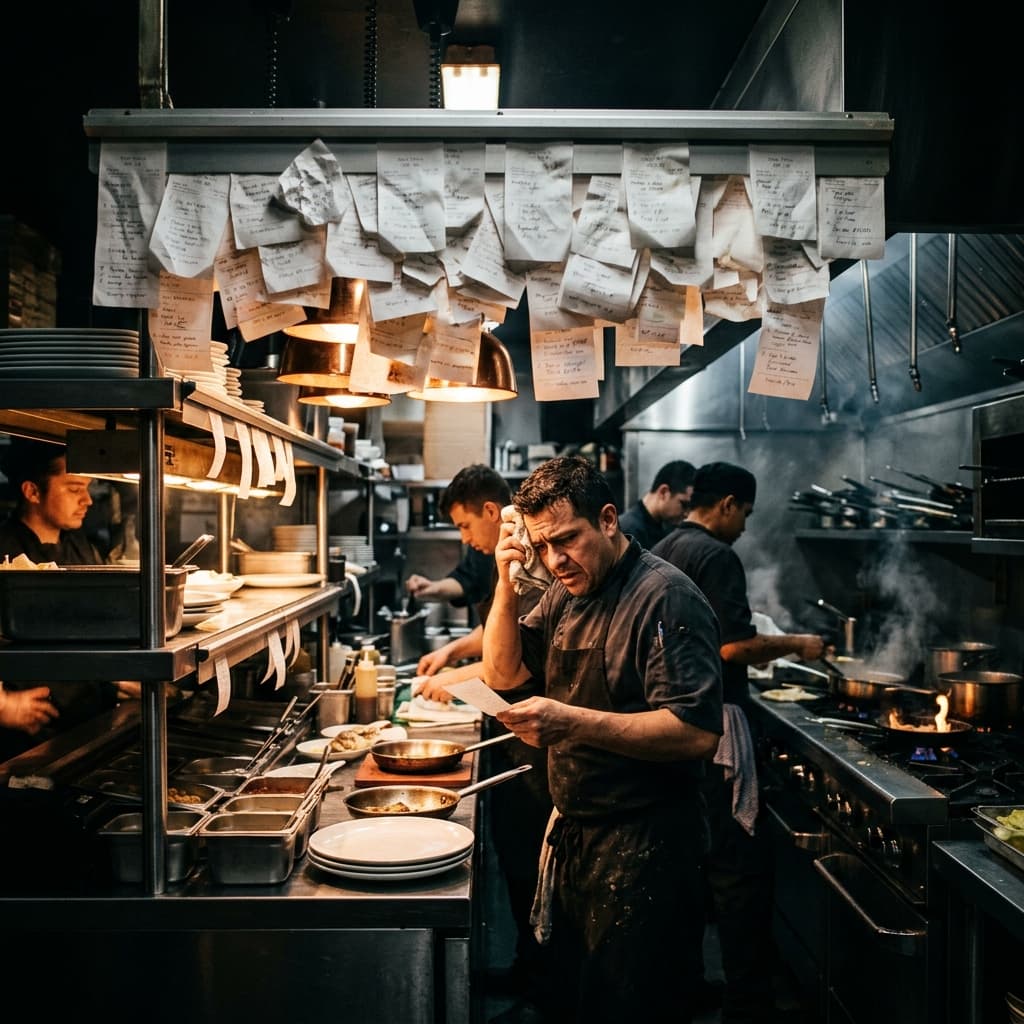
Inventory
Stock variance
Ingredients move, but the owner sees it too late.
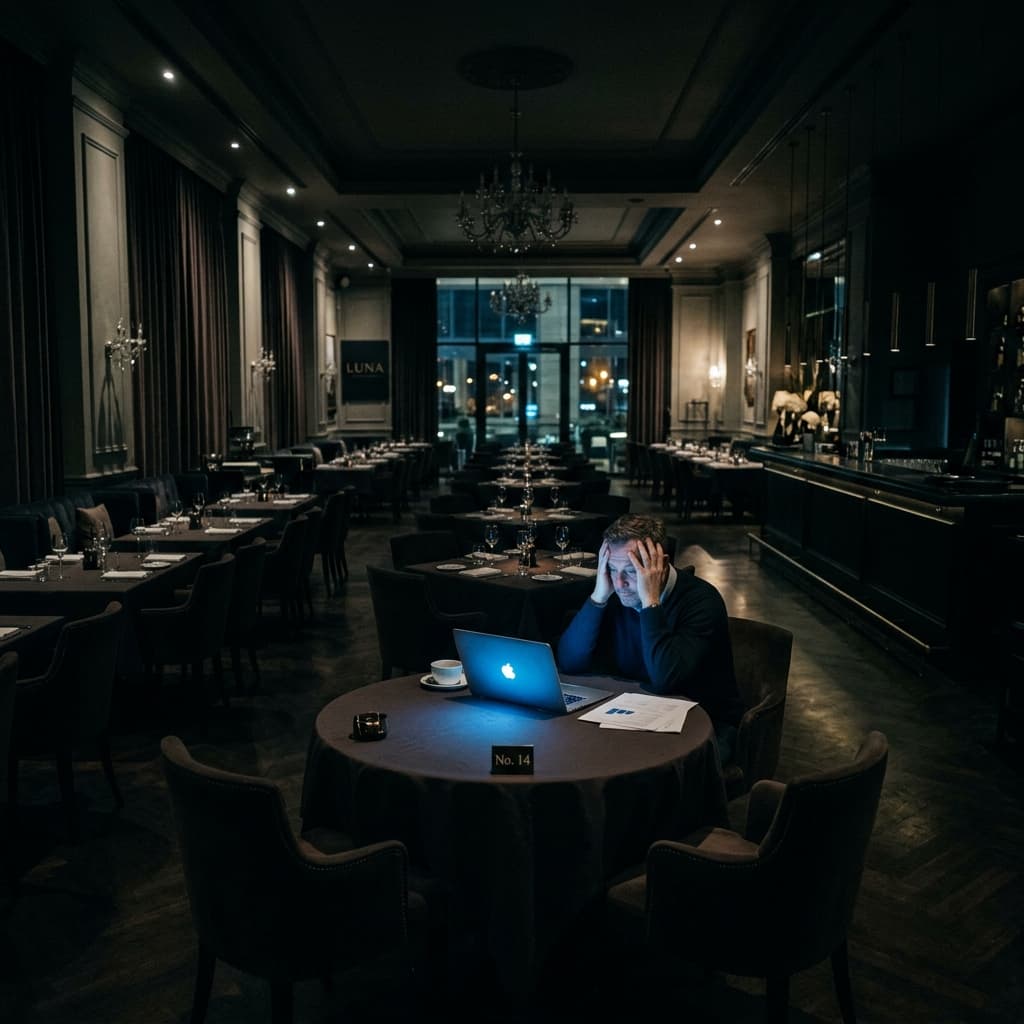
Owner View
Blind spots
Reports arrive after the decision window is gone.
Connected workflow
One order updates the whole restaurant.
Scan / staff order to KOT, bill, stock, and owner report.
Order enters once.
Priority is visible.
Order stays linked.
Ingredients move.
Blind spots reduce.
Product modules
AuraServe turns chaos into a live command flow.
Fast POS. Kitchen KOT. QR ordering. Recipe stock. Staff access. Owner report.
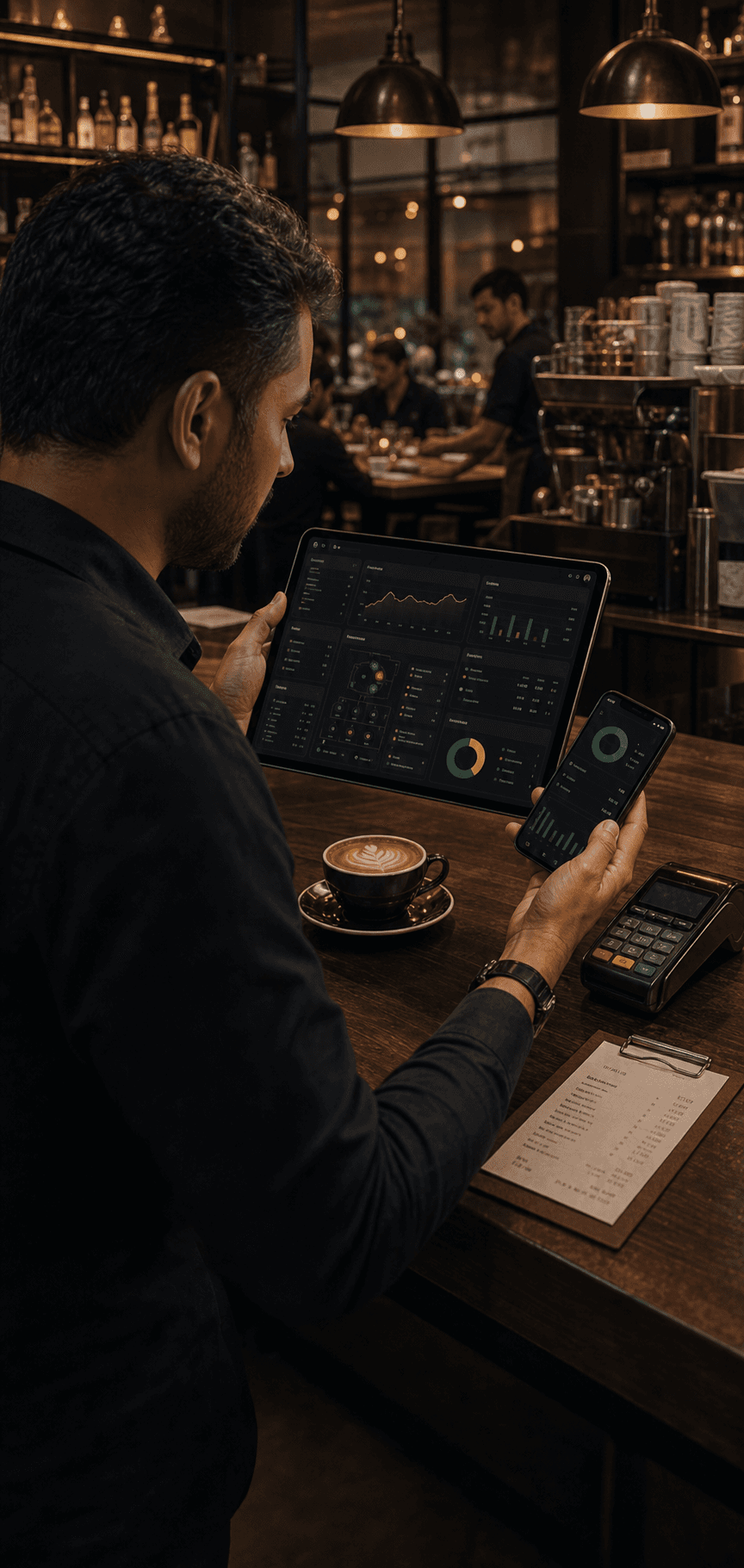
Fast POS
Linked orders, clear edits, cleaner closing.
Faster billingAudit trail
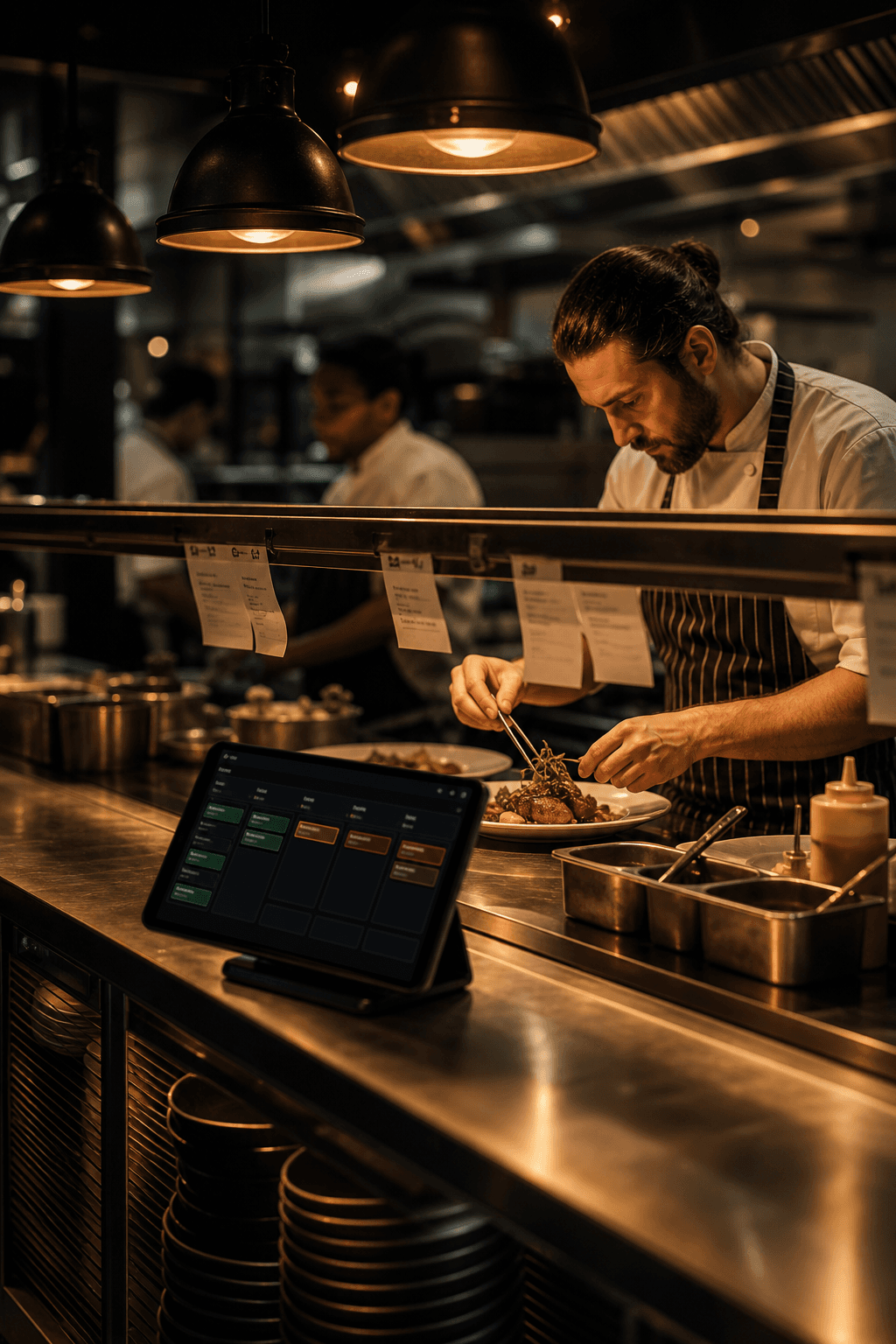
Kitchen KOT
Live tickets, station views, course timing.
Fewer missesCourse timing
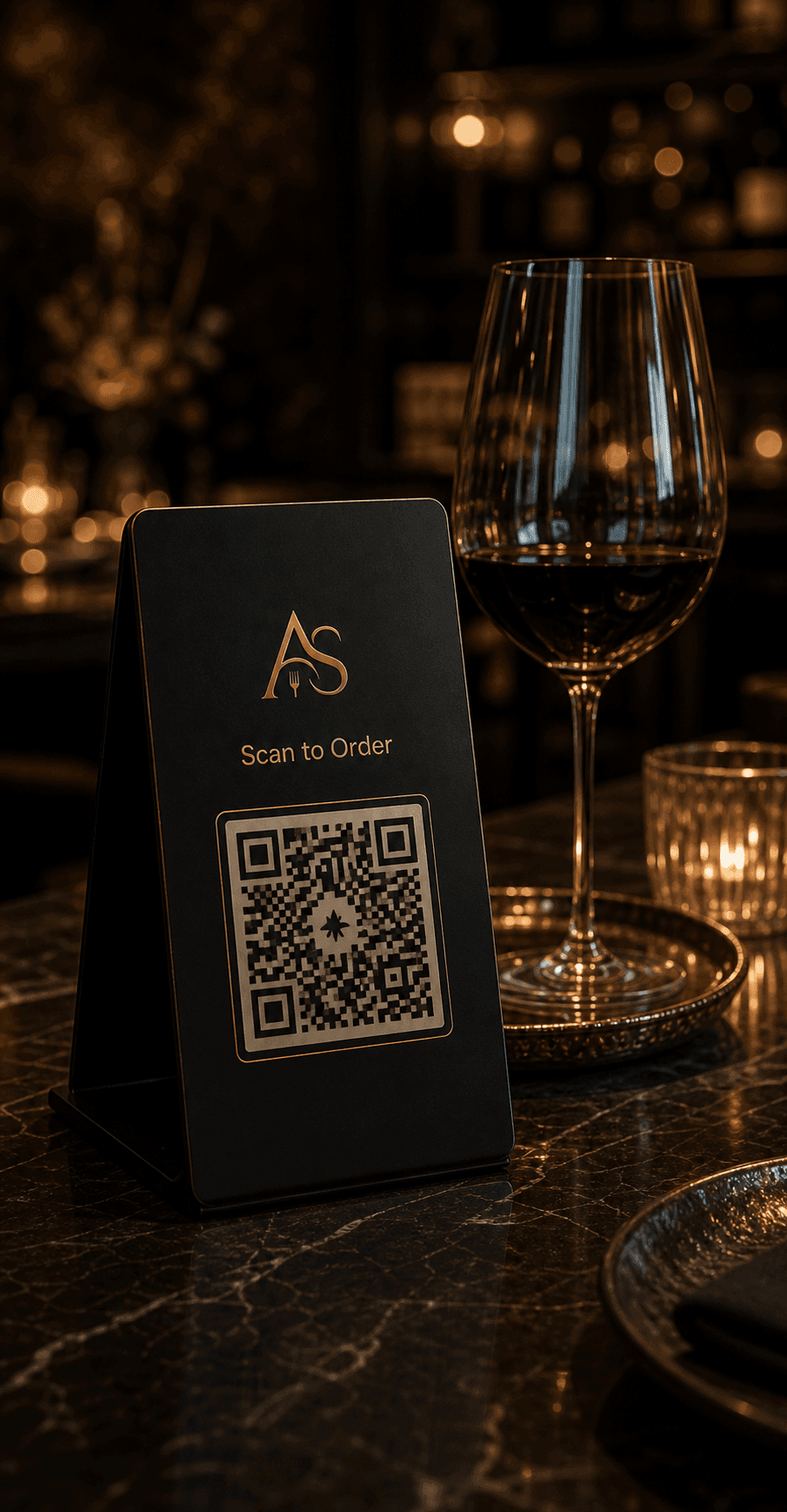
QR Ordering
Scan, order, reorder. No waiting loop.
More ordersRepeat orders
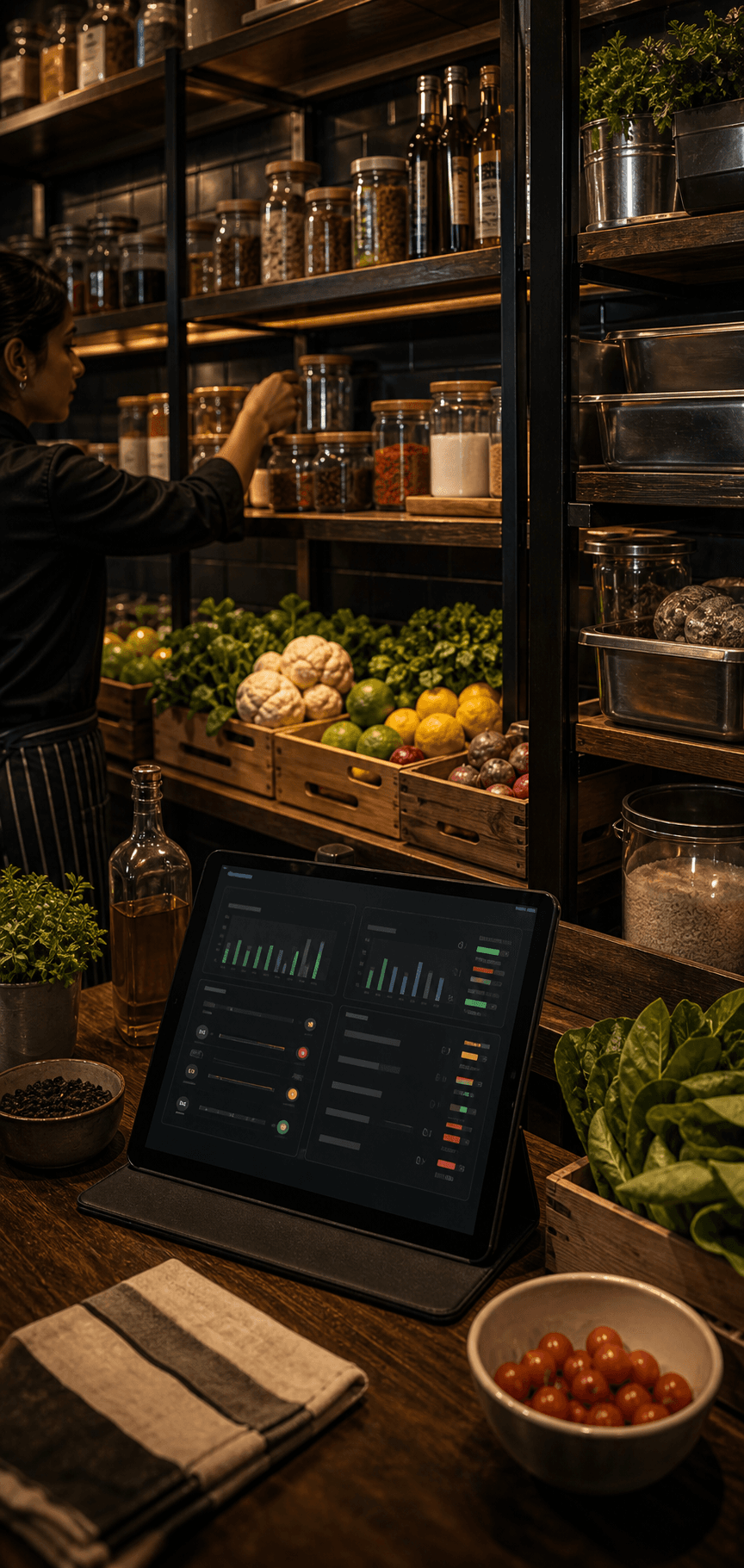
Recipe Stock
Recipes, wastage, low-stock cues.
No stock outsReorder cues
Staff Access
Cashier, captain, kitchen, manager.
Right controlsActivity trail
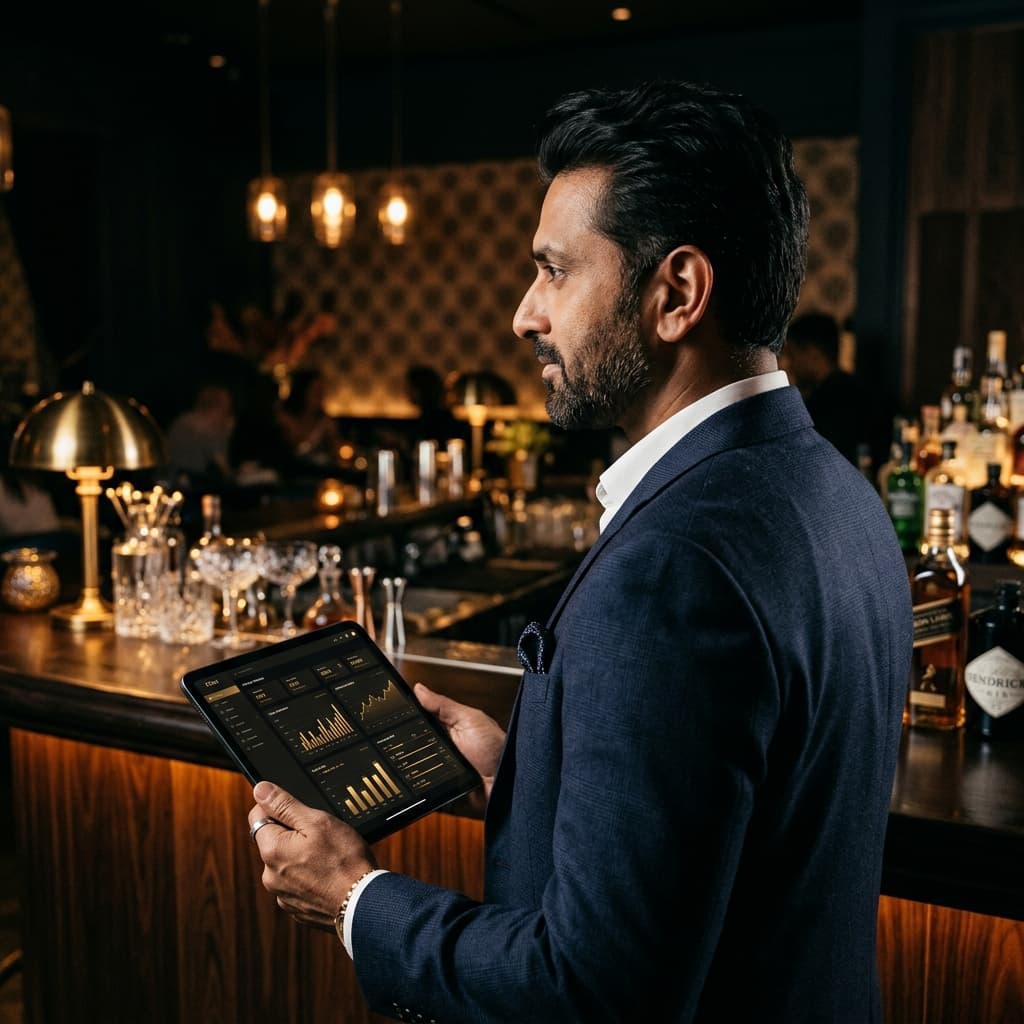
Owner Report
Sales, KOT load, bills, stock risk.
Daily clarityLive alerts
Aura AI layer
Not a chatbot. A restaurant brain running under the OS.
AuraServe reads orders, guests, menus, stock, weather, feedback, and nearby competitors. Then it turns the noise into actions an owner can actually use.
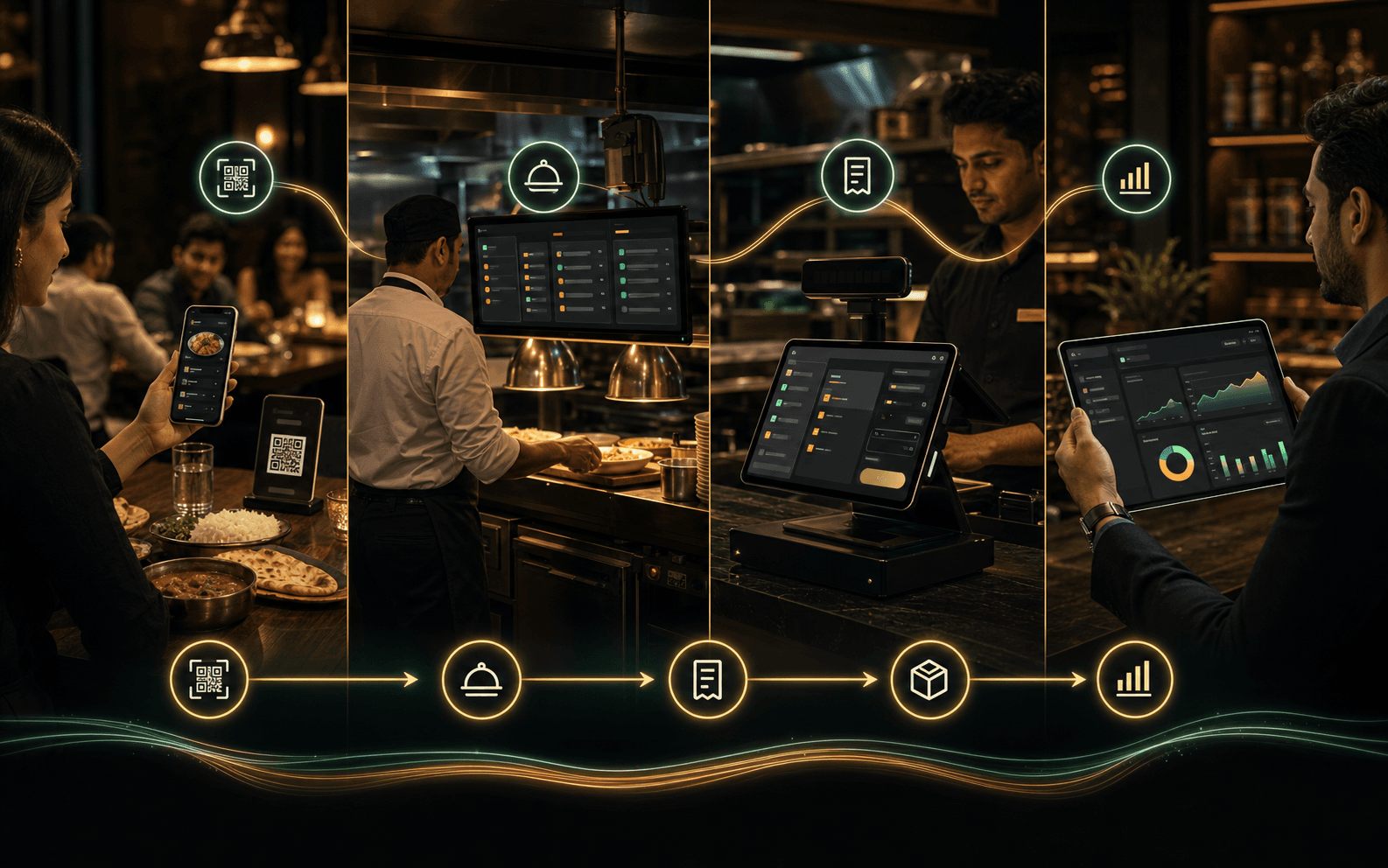
Order flowOne entry updates all
Kitchen + stockLive pressure visible
Owner AINext action ready
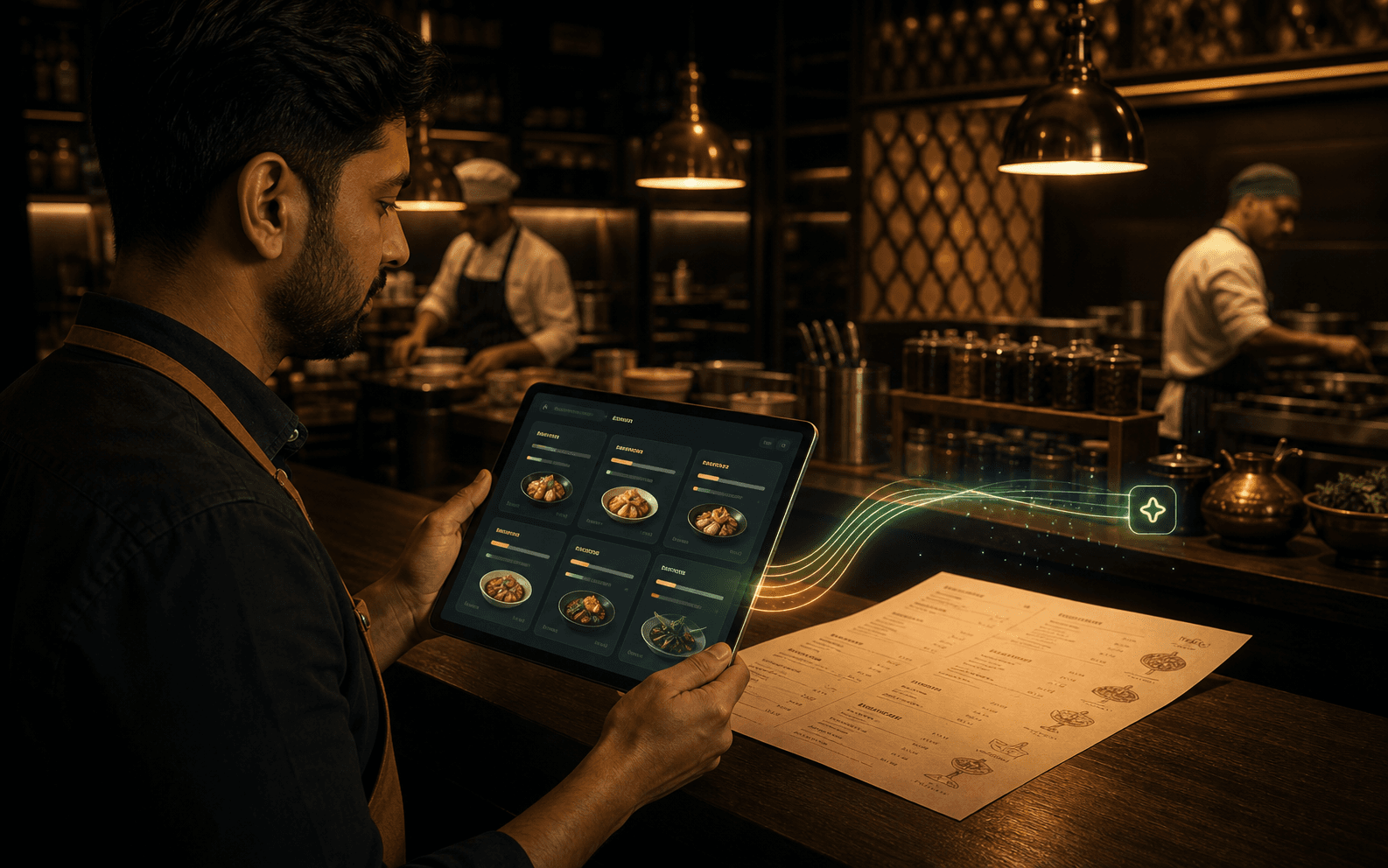 PDF -> Menu
Go live faster
Menu Setup AI
Scan menus, extract items, clean categories, map pricing, add smart tags, and prepare richer menu visuals.
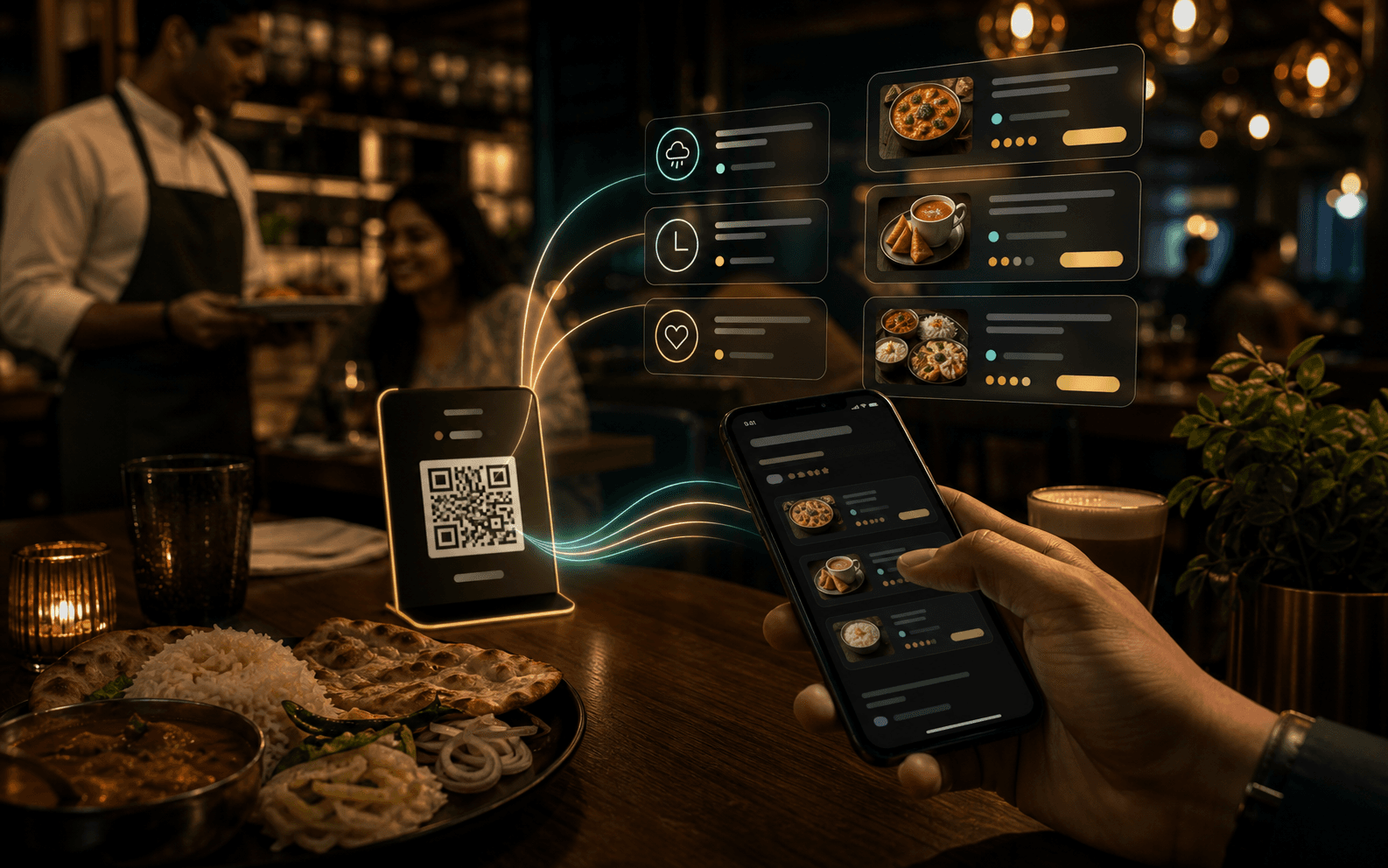 Guest intent
QR conversion
Aura Smart Menu
Guests see weather-aware picks, cravings, usual orders, best sellers, and AI-discovered combos.
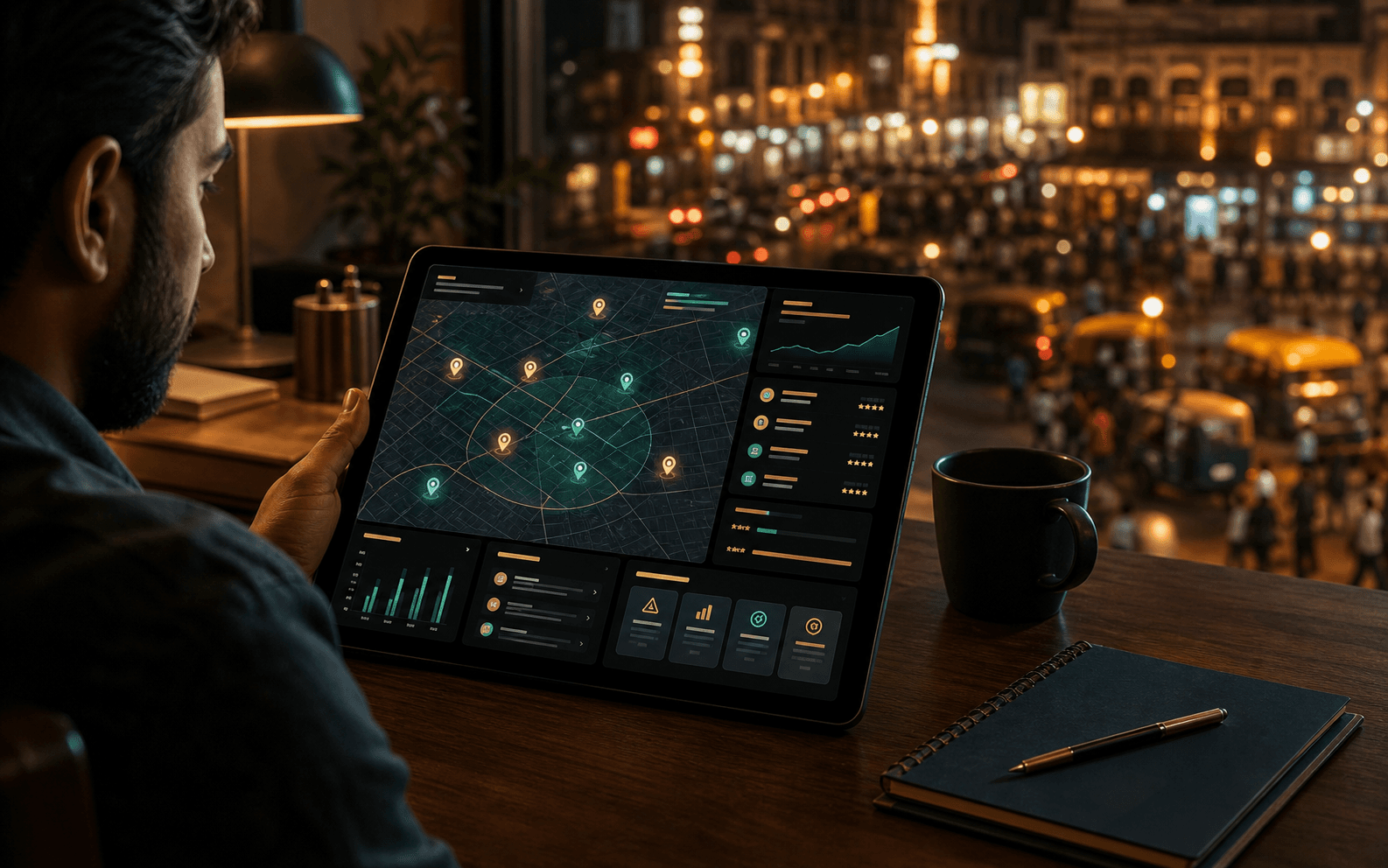 Market decoded
Market edge
Competitor Radar
Weekly competitor scans compare ratings, review momentum, weaknesses, and owner-ready counter moves.
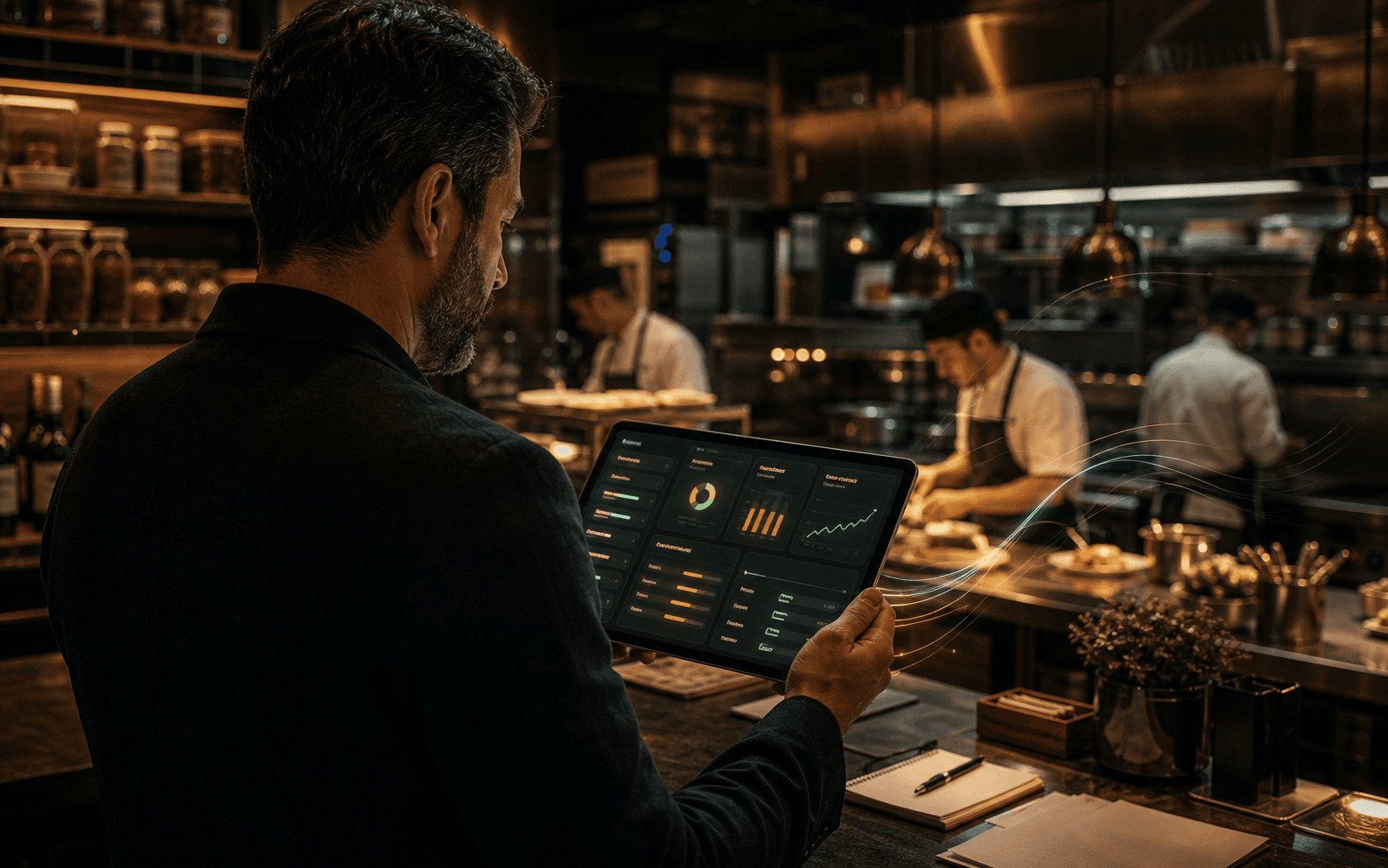 3 moves ready
Daily decisions
Owner & Stock AI
Owner AI reads orders, stock, feedback, CRM, and reports to suggest pricing, prep, reorder, and service actions.
Real pressure
Built for the moments that usually break the shift.
Rush-hour KOT view. Audit-ready billing. Stock variance alerts.
Rush-hour KOT view
Table 1202:15New
Table 1401:10In kitchen
Table 0900:35Ready
Table 2100:12Ready
Audit-ready billing
Bill summary
Veg Pizza1
Paneer Tikka1
Cold Coffee1
Edits and payments stay traceable.
Stock variance alerts
Basil-20gReview
Chicken+250gReview
Mozzarella-80gReview
Normal POS vs AuraServe
One is a billing counter. The other is an AI operating system.
This is the real gap: ordinary POS records work after it happens. AuraServe connects operations and starts suggesting what to do next.
Normal POS
It records the shift.
- Bills close, but owner still asks what went wrong.
- KOT, stock, CRM, reports, and market work stay separate.
- No menu scanner, smart menu, guest memory, or AI growth analyst.
- Reorder, competitor tracking, and weekly moves are manual.
AuraServe AI OS
It runs the next move.
- Order, KOT, bill, stock, staff, and reports stay connected.
- AI scans menus, tags dishes, creates images, and powers smart QR ordering.
- Owner AI reads orders, feedback, menu, and revenue to suggest action.
- Competitor radar, auto reorder, loyalty CRM, and weekly reports work behind the scenes.
Interactive Showcase
Experience the live restaurant command flow.
Continuous, real-time sync across every terminal. Swipe or hover to freeze the preview.
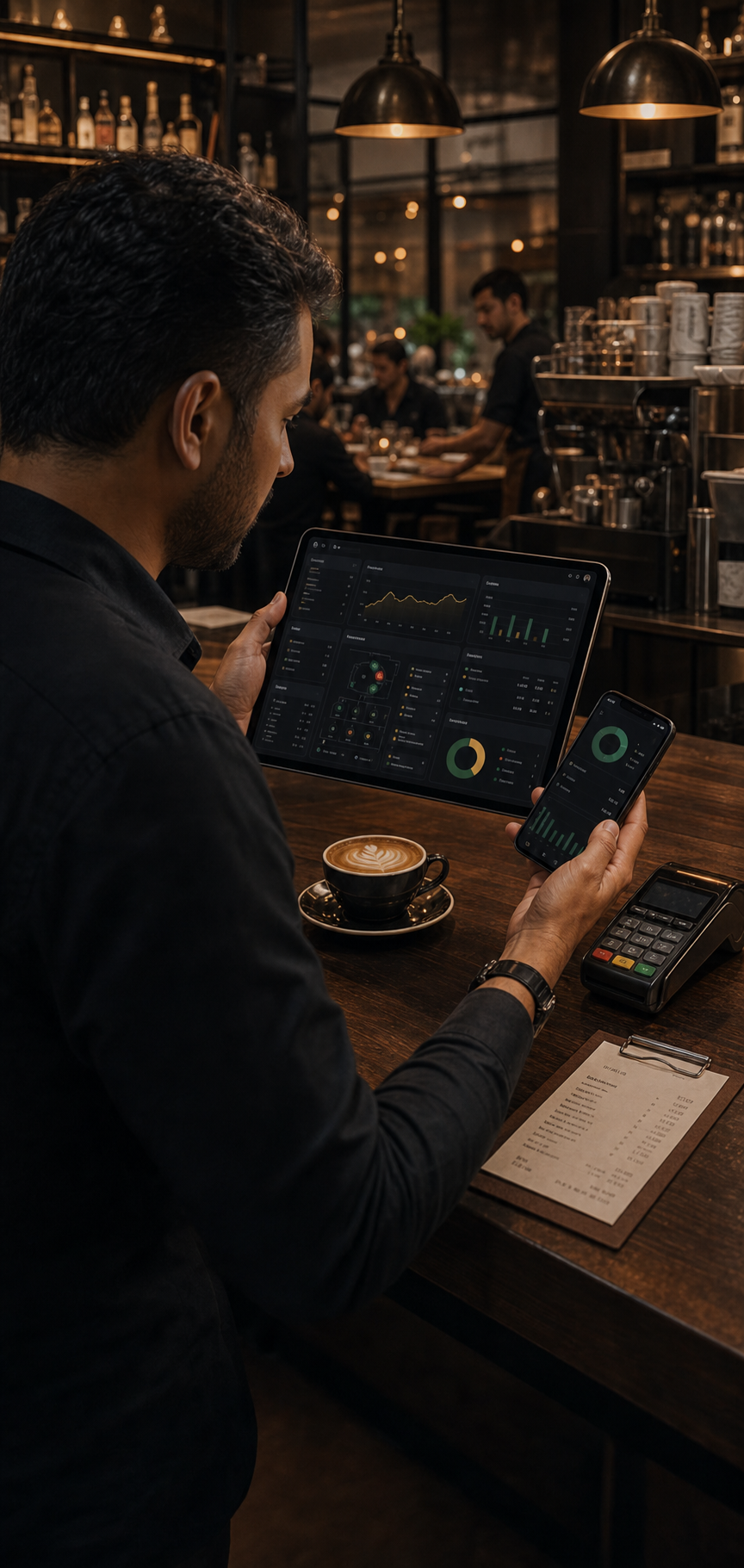 HIGH-SPEED CHECKOUT
POS Billing Interface
Close tables, split tickets, and route prints offline in under 3 seconds.
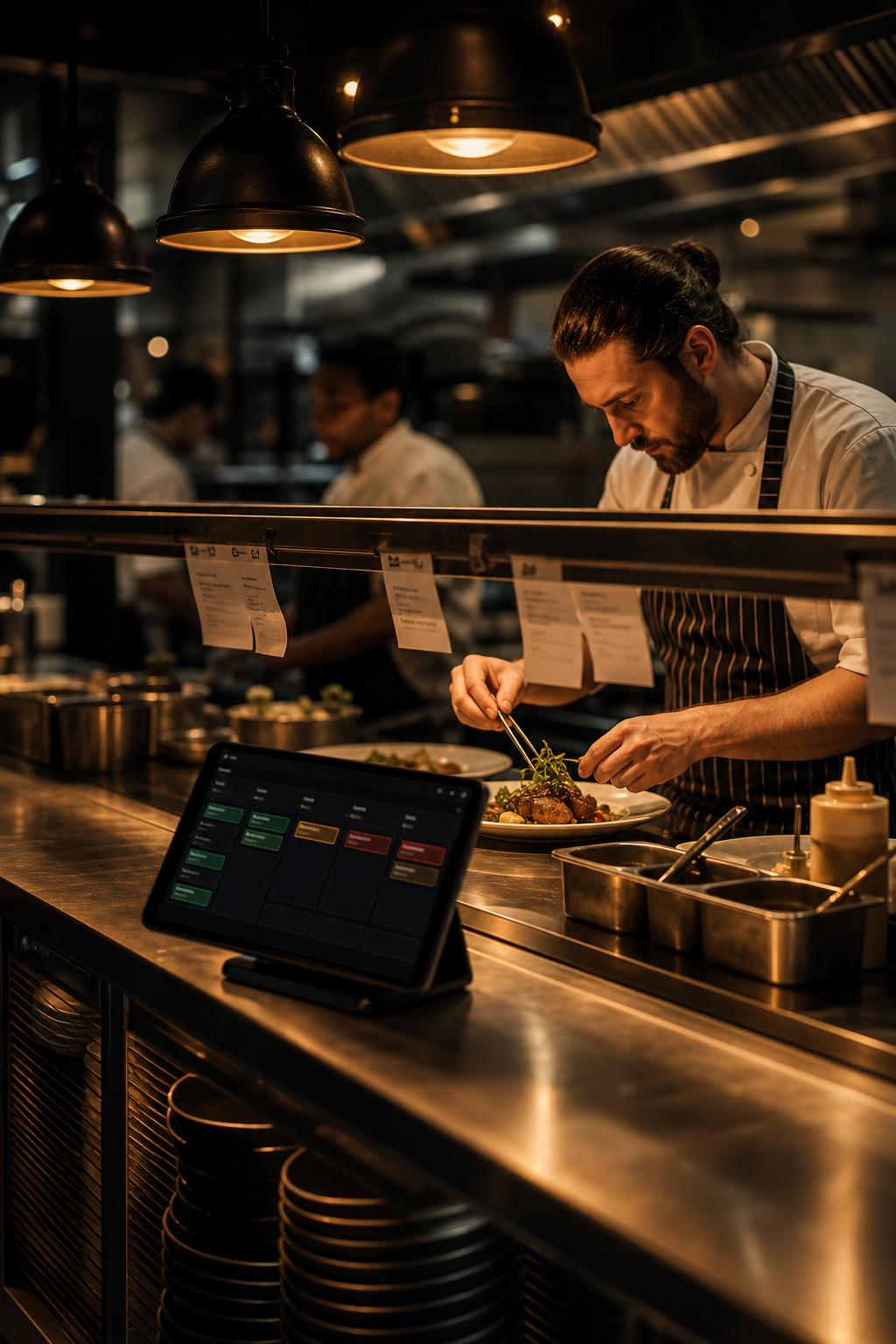 KITCHEN SYNC
Live Kitchen Display (KOT)
Color-coded tickets group courses and track cook times to end pass chaos.
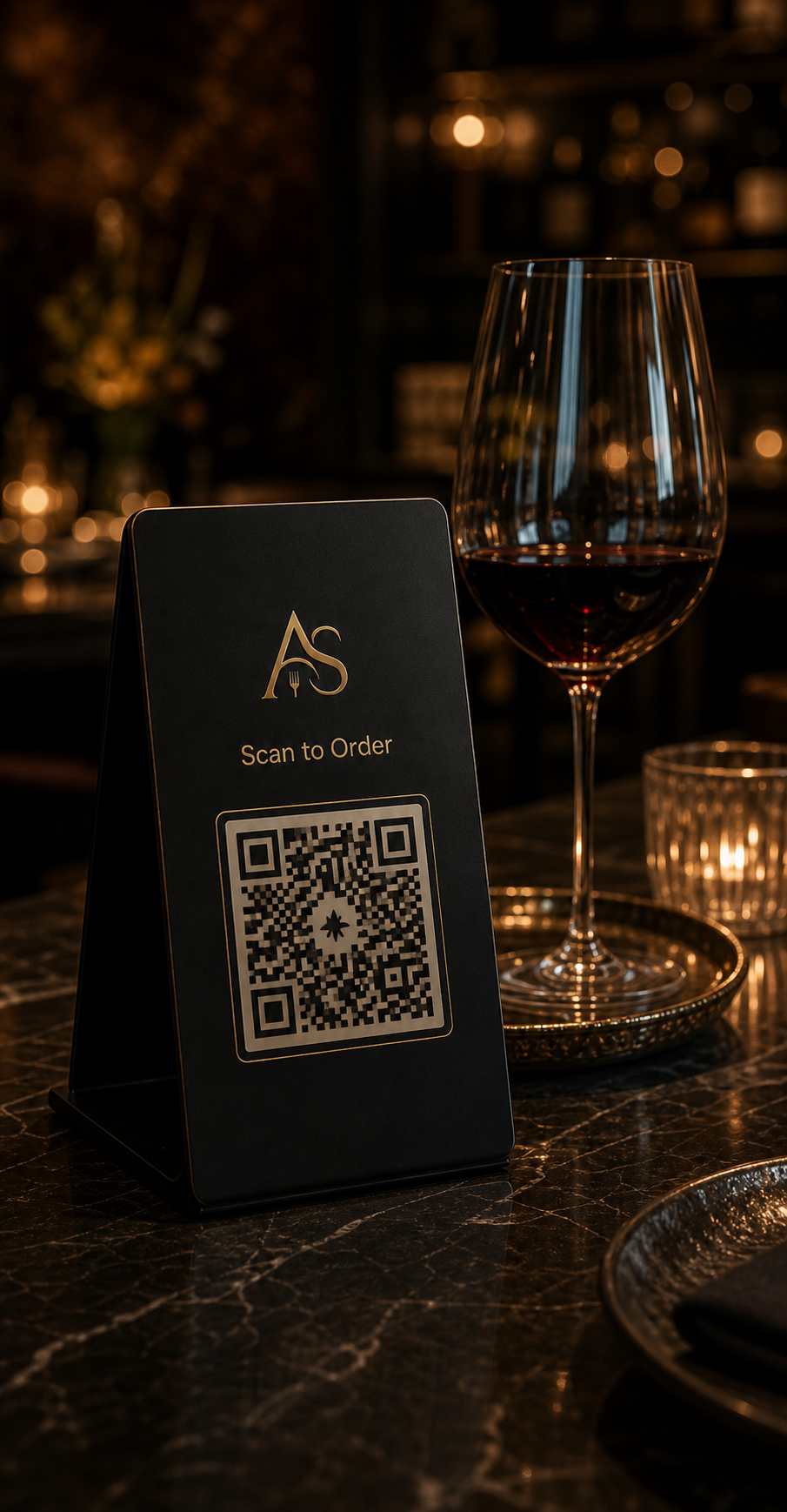 SELF ORDERING
Smart QR Menu
Let guests order and request repeat rounds without waiting for a waiter.
HIGH-SPEED CHECKOUTPOS Billing Interface
Close tables, split tickets, and route prints offline in under 3 seconds.
KITCHEN SYNCLive Kitchen Display (KOT)
Color-coded tickets group courses and track cook times to end pass chaos.
SELF ORDERINGSmart QR Menu
Let guests order and request repeat rounds without waiting for a waiter.
HIGH-SPEED CHECKOUTPOS Billing Interface
Close tables, split tickets, and route prints offline in under 3 seconds.
KITCHEN SYNCLive Kitchen Display (KOT)
Color-coded tickets group courses and track cook times to end pass chaos.
SELF ORDERINGSmart QR Menu
Let guests order and request repeat rounds without waiting for a waiter.
HIGH-SPEED CHECKOUTPOS Billing Interface
Close tables, split tickets, and route prints offline in under 3 seconds.
KITCHEN SYNCLive Kitchen Display (KOT)
Color-coded tickets group courses and track cook times to end pass chaos.
SELF ORDERINGSmart QR Menu
Let guests order and request repeat rounds without waiting for a waiter.
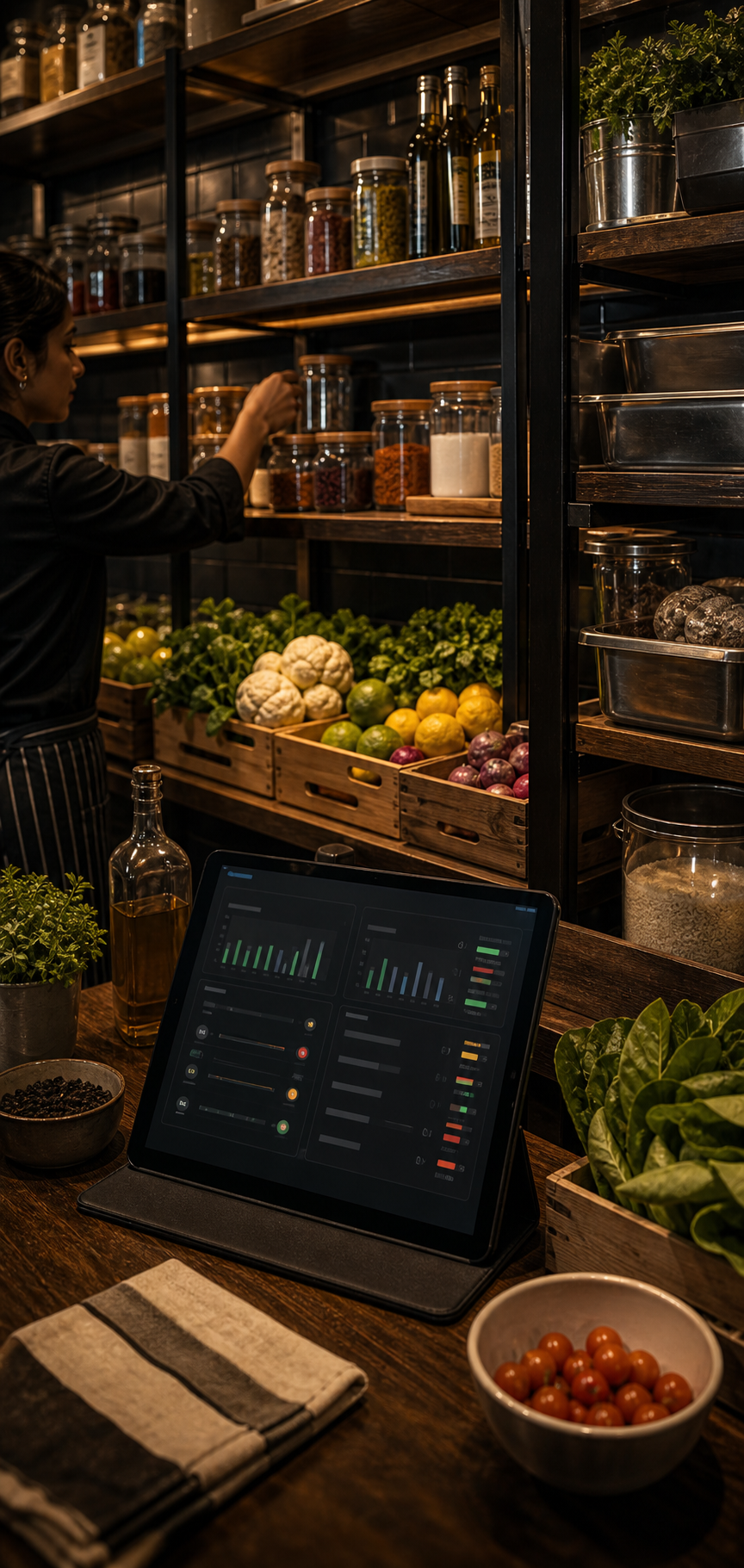 STOCK ASSURE
Recipe-Level Stock
Automatic stock deducts with every bill, triggering low level warnings.
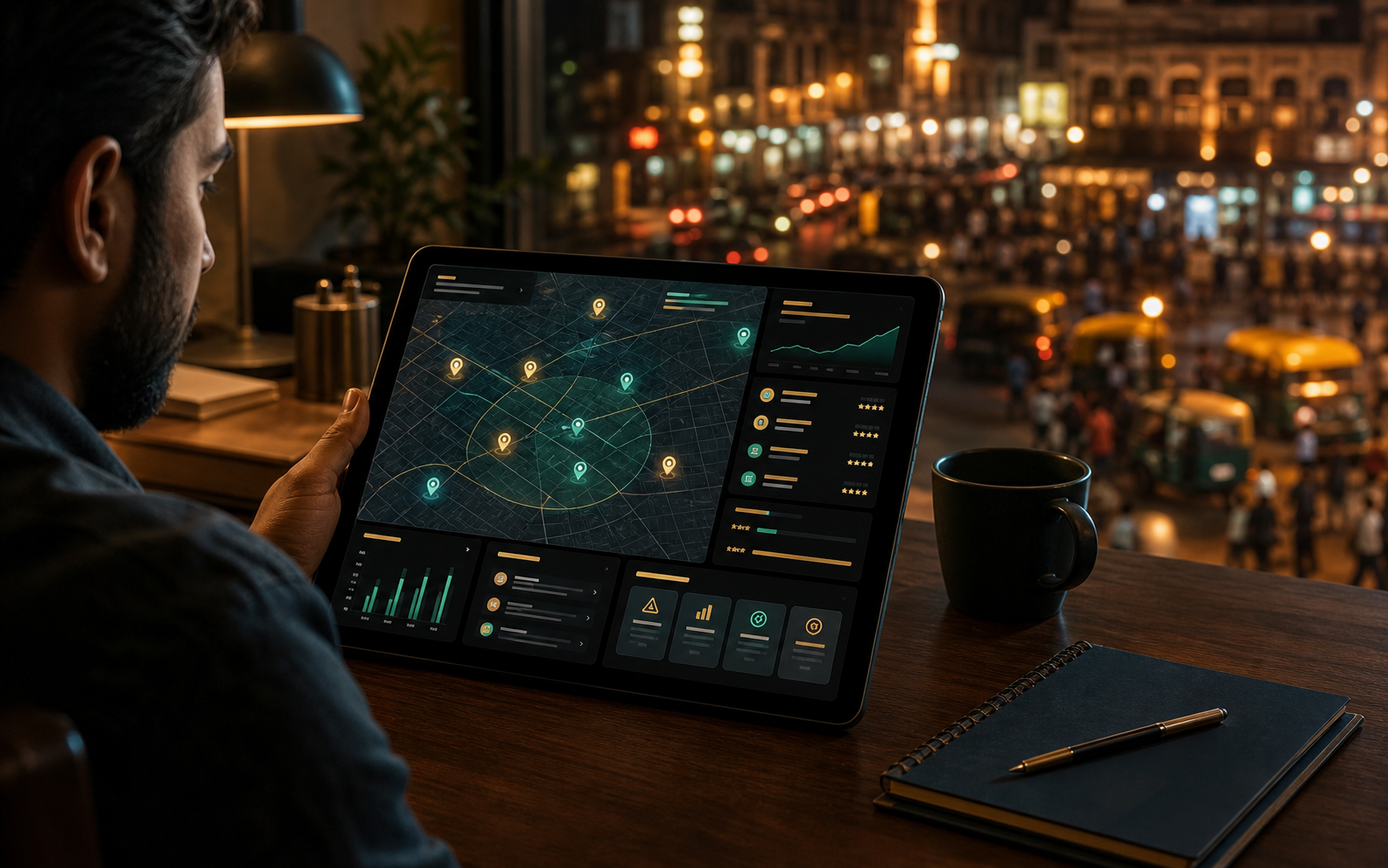 MARKET INTELLIGENCE
Competitor Intelligence
Automated weekly scans track neighboring pricing and review trends.
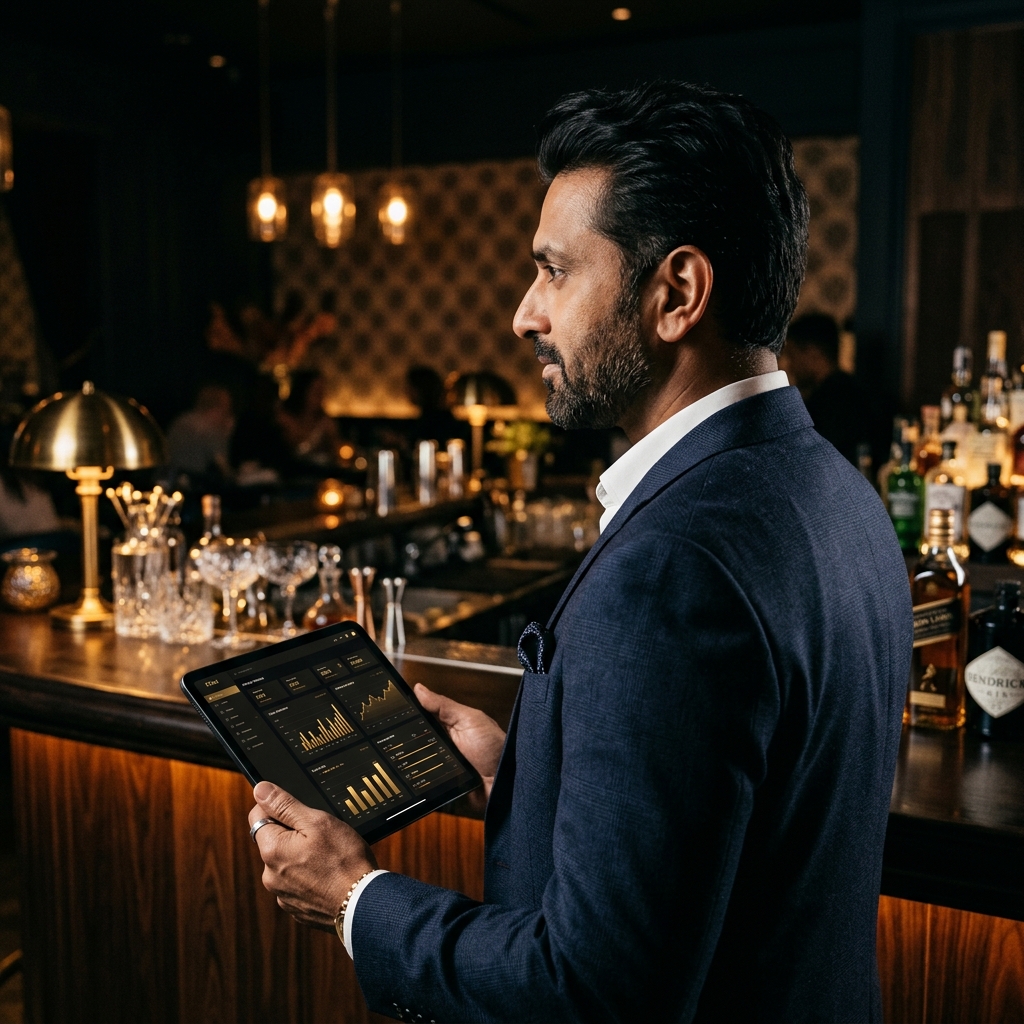 COMMAND CENTER
Live Owner Dashboard
Sales, kitchen loads, voids, and stock warnings on your phone.
STOCK ASSURERecipe-Level Stock
Automatic stock deducts with every bill, triggering low level warnings.
MARKET INTELLIGENCECompetitor Intelligence
Automated weekly scans track neighboring pricing and review trends.
COMMAND CENTERLive Owner Dashboard
Sales, kitchen loads, voids, and stock warnings on your phone.
STOCK ASSURERecipe-Level Stock
Automatic stock deducts with every bill, triggering low level warnings.
MARKET INTELLIGENCECompetitor Intelligence
Automated weekly scans track neighboring pricing and review trends.
COMMAND CENTERLive Owner Dashboard
Sales, kitchen loads, voids, and stock warnings on your phone.
STOCK ASSURERecipe-Level Stock
Automatic stock deducts with every bill, triggering low level warnings.
MARKET INTELLIGENCECompetitor Intelligence
Automated weekly scans track neighboring pricing and review trends.
COMMAND CENTERLive Owner Dashboard
Sales, kitchen loads, voids, and stock warnings on your phone.
Founding Pilot
Founding restaurant plan.
Your menu, tables, billing flow, kitchen pressure, and stock reality before commitment.
- Pilot access now open
- Setup plan included
- Staff and printer fit check
- Pilot pricing after workflow fit
Early operator feedback
The reactions we want to earn in every walkthrough.
Short feedback themes from operator conversations.
“The strongest part is seeing kitchen, billing, and stock as one flow instead of three separate conversations.”
Cafe owner, Pune“If the setup stays simple for staff, this can replace the WhatsApp-plus-spreadsheet routine most of us run on.”
Restaurant operator, Delhi NCR“The owner dashboard is the hook. I do not want another POS; I want fewer blind spots during service.”
Multi-outlet manager, BengaluruBefore you switch
Questions owners ask before a pilot.
Traditional billing software is essentially a digital cash register—it only records the sale after the customer has ordered and eaten. AuraServe works differently by connecting your entire restaurant's operations in real time. The moment a customer scans their table QR code or a waiter takes an order on a tablet, the kitchen gets the cooking ticket (KOT) instantly, the inventory automatically deducts the raw ingredients, and the owner can see the live sales and kitchen preparation load on their phone from anywhere. By linking ordering, kitchen prep, billing, inventory, and analytics together, AuraServe stops missed orders, cash leaks, and stock shrinkage before they happen.
Not at all. We believe in keeping startup costs low. AuraServe is web-based and runs smoothly on standard devices you likely already own—including iPads, Android tablets, Windows laptops, and mobile phones. For printing KOTs and customer bills, we support almost all standard thermal printers (USB, Wi-Fi, Ethernet, and Bluetooth). During your initial setup and pilot walkthrough, our technical team will inspect your current devices, test your printers, and verify everything works together, saving you from purchasing unnecessary hardware.
We handle the entire menu migration for you, so you don't have to spend hours typing items. Simply send us your menu in any format—a PDF, an Excel sheet, a photo of a printed menu, or an export from your old POS system. Our smart Menu Setup AI will scan the document, clean up the data, sort dishes into neat categories, set up correct pricing and taxes, and generate rich digital menu descriptions. During the walkthrough, we will customize the menu together—adding custom modifiers (like extra cheese or sugar-free), mapping item options, and ensuring your digital menu is ready for live orders.
Yes, we designed the user interface to be extremely clean and simple, so even staff members with zero technical background can learn it in less than 15 minutes. We separate the system by job roles: waiters only see quick-tap order screens, chefs only see clear, color-coded kitchen tickets, and cashiers only see fast billing controls. This keeps the screens clutter-free and straightforward. As part of our pilot setup, our team provides step-by-step training and live-support during your first few shifts to ensure your team is completely confident.
We know that a dropped internet connection can stall a busy shift. AuraServe is built with an offline-first architecture. If your Wi-Fi drops, the system keeps working locally on your devices—waiters can still take table orders, and cashiers can still generate and print customer bills. All transaction data is saved securely on your local device and will automatically sync back to the cloud as soon as connection is restored. During onboarding, our team will also help configure a simple mobile hotspot backup to make sure your billing flow is 100% bulletproof.
We offer flexible, customized pricing because every restaurant is unique—a single-outlet cafe needs different modules compared to a multi-outlet bar or a cloud kitchen network. We do not charge any upfront signup fees or lock you into long-term contracts. We start with a transparent, low-risk pilot period where we set up the system specifically around your menu, printers, and staff. Once you see how much time and money the system saves, we will tailor a simple monthly subscription plan based on the active modules and outlets you run, ensuring you only pay for what actually helps your business grow.
Walkthrough
See AuraServe on your menu, tables, and kitchen flow.
A practical walkthrough: menu scan, table flow, KOT, billing, stock, and owner AI.
Menu scanWorkflow mapAI owner view